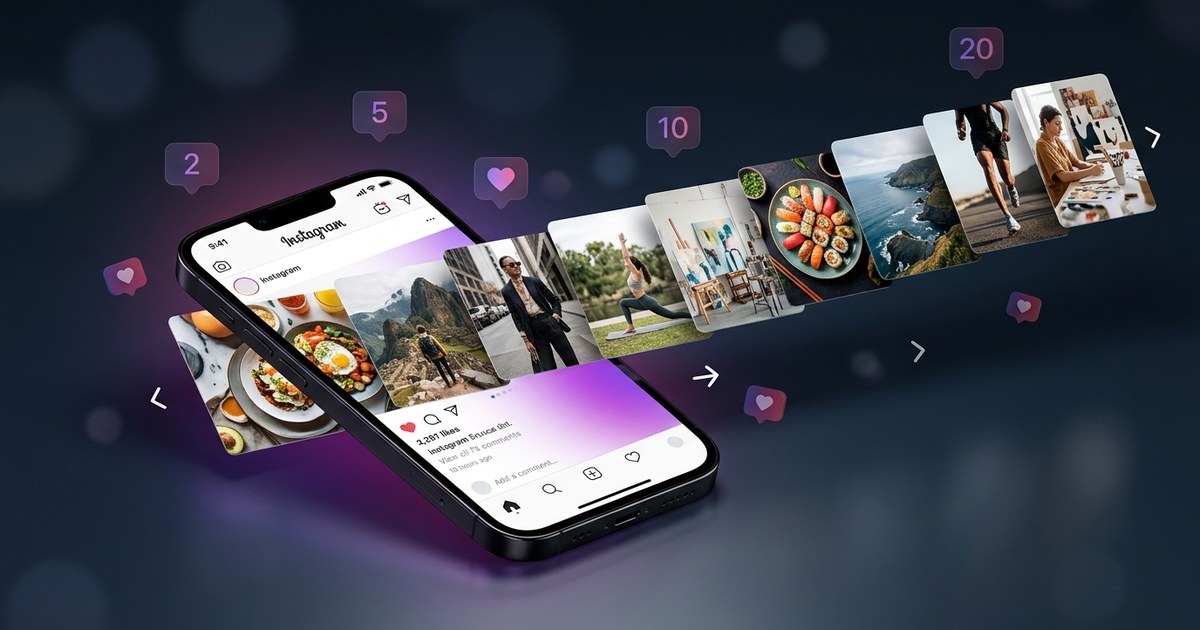
"Ever wondered if you could queue up a month's worth of Instagram posts without losing your sanity? Or if there's a way to repurpose your existing content at scale without the tedious grind? What if you could cut down your content pipeline time from..."
Ever wondered if you could queue up a month's worth of Instagram posts without losing your sanity? Or if there's a way to repurpose your existing content at scale without the tedious grind? What if you could cut down your content pipeline time from weeks to just a few hours? (see Instagram Graph API).
What is Bulk Instagram Post Creation with AI?
Creating bulk Instagram posts with AI involves using advanced technology to streamline and automate the content creation process. Here's what it entails: (see AI Instagram Post Generator: Create Viral Content in Minutes).
- Automated Content Generation: AI can assist in creating images, videos, captions, and hashtags, helping to maintain a consistent brand voice and style.
- Batch Processing: Allows you to generate multiple posts in one session, eliminating the need for daily content creation.
- Smart Scheduling: Automates the posting times and dates for optimal engagement, leveraging data to select the best times based on audience activity.
- Data-Driven Insights: AI tools use analytics to guide content strategy, offering recommendations for post improvements and content that resonates with followers.
- Scalable Solutions: Ideal for businesses and creators looking to scale their content efforts without scaling their teams.
Why It Matters (2025/2026 Context)
In 2025, creating bulk Instagram posts with AI isn’t just a nice-to-have—it's essential. The social media landscape is more crowded than ever. With over a billion users on Instagram alone, posting consistently and effectively is key to standing out. Here's why it matters:
- Increased Competition: Social media managers and creators face an oversaturated market, making it harder to capture and retain audience attention.
- Time Efficiency: Traditional methods are too slow; AI speeds up the process significantly, allowing creators to focus on strategy and creativity.
- Content Personalization: AI helps tailor content to audience preferences, enhancing engagement and fostering a deeper connection with followers.
- Resource Optimization: Cuts down on the need for large teams by automating repetitive tasks, allowing for leaner operations.
- Adapting to Trends: AI can quickly adapt to changing trends, keeping your content relevant and timely.
Real Use Case: Solo Creator
Meet Lisa, a solo travel blogger who struggled to maintain her Instagram presence while constantly on the move. Her previous workflow involved spending several hours each week crafting posts, which left her exhausted and less focused on creating quality content. The constant need to produce content was draining her creativity and leaving her with less time to engage with her audience and explore new travel opportunities.
By integrating AI, Lisa transformed her workflow. She used AI to generate Instagram posts in bulk, going from 3 posts a week to 21 without extra effort. The AI content planner allowed her to schedule posts weeks in advance, saving her 12 hours monthly. This newfound time was reinvested into her travel blog, allowing her to produce richer, more engaging content. AI-driven insights helped her adjust her hashtag strategy, increasing engagement by 25%. The automation of captions and hashtags also ensured that her posts were always optimized for visibility and reach, without losing her unique voice, as highlighted by Instagram for Business.
Tools and Methods
PurpleTrend AI
What it does: Utilizes AI to generate images, videos, captions, and hashtags. Offers smart scheduling and a comprehensive content calendar.
Best for: Small business owners and solo creators.
Limitation: Customization options might be limited compared to manual crafting.
Canva
What it does: Provides templates and design tools to create visual content quickly. Includes basic AI features for design suggestions.
Best for: Beginners needing easy-to-use design features.
Limitation: AI capabilities for automation are basic compared to specialized tools.
Hootsuite
What it does: Offers social media management with scheduling and analytics features, allowing for management of multiple accounts.
Best for: Agencies managing multiple accounts.
Limitation: More focused on scheduling than content creation.
Later
What it does: Visual content planner with drag-and-drop features for scheduling and planning, focusing on Instagram.
Best for: Visual-based brands.
Limitation: Limited AI-driven insights and content creation capabilities.
Buffer
What it does: Simplifies the scheduling of posts across multiple platforms, with a focus on ease of use.
Best for: Small teams needing easy scheduling solutions.
Limitation: Does not provide AI content generation features.
Planoly
What it does: A visual planner for Instagram that allows for automated post scheduling and planning.
Best for: Creators looking for a visual approach to content planning.
Limitation: Limited integration with platforms other than Instagram.
Comparison of Tools
| Tool | Best For | Automation Level | Pricing | Limitation |
|---|---|---|---|---|
| PurpleTrend AI | Small business owners, solo creators | High | Varies | Limited customization |
| Canva | Beginners | Moderate | Free/Tiered | Basic automation |
| Hootsuite | Agencies | Low | Varies | Focuses on scheduling |
| Later | Visual brands | Moderate | Free/Tiered | Limited AI features |
| Buffer | Small teams | Low | Varies | No AI content generation |
| Planoly | Visual planners | Moderate | Free/Tiered | Limited platform integration |
Decision Framework
Choosing the right tool depends on several factors:
- Budget:
- Low Budget: Free tools like Canva or Later, good for basic needs.
- Moderate Budget: Consider Buffer or Planoly for more features with reasonable pricing.
- High Budget: Invest in PurpleTrend AI or Hootsuite for comprehensive automation and management capabilities.
- Scale:
- Small Scale: Solo creators might find Canva or Planoly sufficient.
- Medium Scale: Small teams can benefit from Buffer or Later.
- Large Scale: Agencies should look at Hootsuite or PurpleTrend AI.
- Skill Level:
- Beginner: Canva or Planoly for ease of use with no steep learning curve.
- Intermediate: Buffer or Later for more features.
- Advanced: PurpleTrend AI for full-fledged content automation and strategy insights.
Pro Tips for Creating Bulk Instagram Posts
- Template Library: Establish a library of templates to maintain visual consistency across posts. This saves time and ensures brand alignment.
- Content Bank: Create a content bank of reusable assets like images, quotes, and hashtags to streamline the creation process.
- Batch Your Work: Dedicate specific days to content creation and scheduling, reducing the daily grind and improving focus.
- Use Analytics: Regularly review analytics to refine your strategy. Pay attention to which posts perform best and adjust future content accordingly.
- Test and Iterate: Experiment with different content formats and posting times to find what works best for your audience.
PurpleTrendAI Integration
Incorporating PurpleTrend AI into your workflow is seamless. Here's how:
- Bulk Content Creation: Generate up to 30 posts in one go, optimizing turnaround time and allowing for strategic planning.
- Smart Scheduling: Plan posts based on AI insights to hit peak engagement times, ensuring maximum visibility.
- Content Calendar: Organize and visualize your content plan effectively, keeping your posting schedule organized and consistent.
- AI-driven Insights: Use analytics to guide adjustments in your content strategy, optimizing performance over time.
FAQs
How does AI help in creating Instagram posts?
AI helps automate the creation of images, videos, captions, and hashtags, significantly reducing the time and effort required. It leverages data-driven insights to refine content strategies and optimize posts for engagement. By automating repetitive tasks, AI allows creators to focus on crafting high-quality content that resonates with their audience.
Is AI-generated content personal enough?
AI-generated content can be highly personalized when used effectively. While AI offers data-driven suggestions, the human element remains crucial. Creators should infuse their unique voice and perspective into the AI-generated framework to ensure authenticity and maintain a genuine connection with their audience.
Can a solo creator afford these tools?
Many AI tools offer tiered pricing plans to accommodate different budgets, making them accessible for solo creators. Free and low-cost options like Canva and Planoly provide essential features without breaking the bank, while more comprehensive platforms like PurpleTrend AI offer scalable solutions for those willing to invest more.
What are the limitations of using AI in content creation?
While AI offers significant automation benefits, it may lack the creative intuition and emotional nuance that human creators bring. AI-generated content might require further customization to align with brand identity fully. Additionally, relying solely on AI can lead to a lack of original content and over-reliance on data-driven recommendations.
How do I ensure my AI-generated posts are effective?
To ensure effectiveness, regularly analyze post performance and adjust strategies based on analytics. Maintain a balance between AI automation and creative input to preserve content originality. Testing different formats and iterating based on audience feedback can also enhance the effectiveness of AI-generated posts.
Conclusion
For anyone navigating the crowded space of Instagram, creating bulk posts with AI isn't just about saving time—it's about staying competitive. If budget constraints are a concern, start with free tools like Canva. For those who need robust, AI-driven content creation, PurpleTrend AI offers a balance of automation and strategic insight. Scale your efforts smartly, and consider your specific needs when choosing your tools. Whatever your path, the right AI tools can transform your Instagram workflow from a daily grind to a streamlined process.
Ready to create viral content?
Join thousands of creators using PurpleTrend AI to grow their social media presence.
Start Free TrialTopics
Written by Pratik Shah
Helping Indian creators and businesses grow their social media presence with AI-powered tools. Follow us for more tips on content creation, Instagram growth, and social media marketing.
View all articles