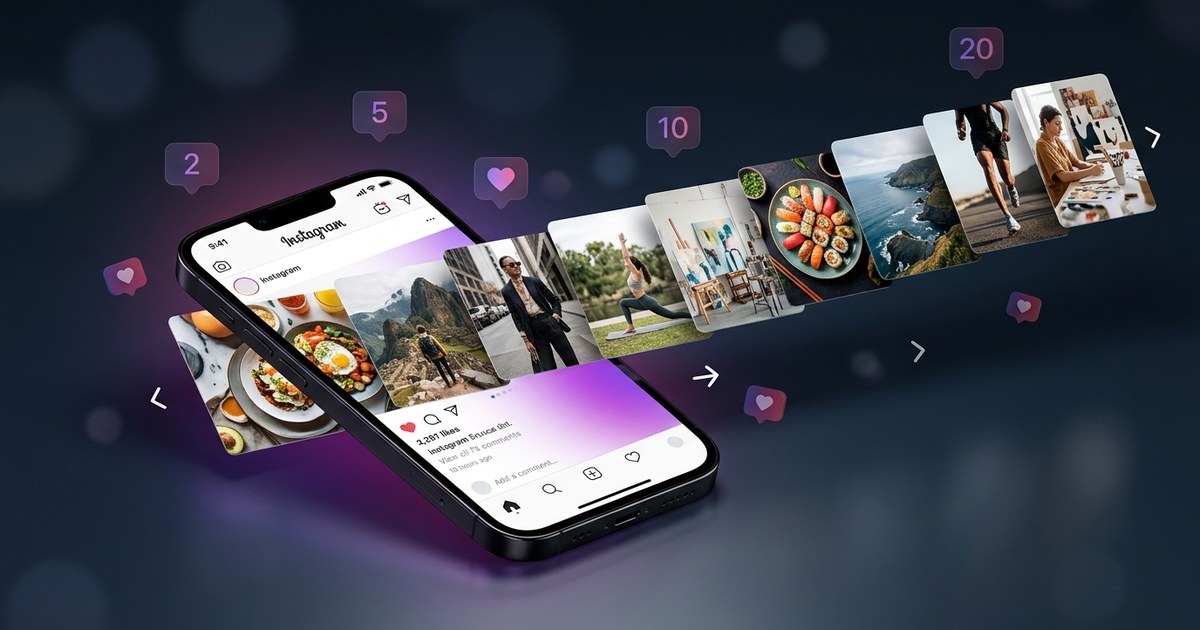
"Creating engaging content on Instagram is no longer optional in 2026—it's essential. Among the most effective formats for boosting engagement and reach are carousel posts. This complete guide on how to make carousel posts for Instagram will dive..."
Creating engaging content on Instagram is no longer optional in 2026—it's essential. Among the most effective formats for boosting engagement and reach are carousel posts. This complete guide on how to make carousel posts for Instagram will dive deep into strategies, examples, and tips to elevate your content game. Whether you're a social media manager, small business owner, or Instagram creator, mastering this format can significantly enhance your online presence, as highlighted by 100 AI Captions for Instagram, Reels & Facebook (2025).
Why Carousel Posts Are Crucial for Instagram Growth
The answer is simple: Instagram carousel posts are highly engaging. According to a 2023 study by Socialinsider, carousel posts receive 1.4 times more reach than regular posts (source). This is because they invite users to swipe through multiple images or videos, increasing the time spent on a post and signaling Instagram's algorithm to boost its visibility, as highlighted by Instagram marketing tips.
Carousels are versatile, allowing for storytelling, detailed product showcases, and sharing educational content. For example, a small business can use a carousel to show a product's various features or share a step-by-step tutorial on using a service.
Carousel Posts vs. Single Image Posts: A Quick Comparison
| Feature | Carousel Posts | Single Image Posts |
|---|---|---|
| Engagement Rate | Higher (1.4x more reach) | Lower |
| Content Depth | High (multiple images/videos) | Low (one image/video) |
| Time Spent on Post | Longer (encourages swiping) | Shorter |
Step-by-Step Guide to Creating Carousel Posts on Instagram
In 2026, creating a carousel post is a straightforward process, but it requires planning. Here's a step-by-step guide to ensure your carousel posts are effective and engaging, as highlighted by Instagram Reels guide.
1. Plan Your Content
The first step is to plan your content. Decide on the theme or story you want to tell. Consider your audience's interests and how your post can add value to them. For instance, if you're launching a new product, a carousel can showcase it from different angles and contexts.
2. Create or Source Your Images and Videos
You can use tools like PurpleTrend-AI to generate high-quality images or videos. PurpleTrend-AI's AI image generation and video creation features make it easier to create professional-looking content without a hefty budget.
Ensure your media files are consistent in style and quality. Use the same color palette and visual style to maintain brand coherence.
3. Edit and Optimize Your Media
Editing is crucial. Use apps like Adobe Lightroom or Canva to fine-tune your images. Make sure each image or video is cropped to fit Instagram's size requirements, usually 1080x1080 pixels for square posts.
Optimize your media by reducing file sizes without sacrificing quality. This ensures quick loading times, enhancing user experience.
4. Upload to Instagram
Open Instagram and tap on the plus icon. Select "Post" and tap on the "Select Multiple" button to start uploading your carousel.
Arrange the images or videos in the desired order. The first image is crucial as it serves as the cover, enticing users to swipe through.
5. Write Engaging Captions and Use Hashtags
Craft a compelling caption that complements your carousel. Use storytelling techniques to keep users engaged. Incorporate hashtags to increase discoverability. PurpleTrend-AI can assist with generating effective captions and hashtags based on your target audience and content.
6. Preview and Post
Before posting, preview your carousel to ensure everything looks perfect. Check for typos in captions and ensure all images/videos are in the correct order.
Once satisfied, hit "Share" to publish your carousel. Consider posting at times when your audience is most active to maximize engagement.
Best Practices for Instagram Carousel Posts
In 2026, with increased competition on Instagram, standing out requires strategic planning and execution. Here are some best practices to keep in mind:
Use a Consistent Visual Theme
Maintain a consistent visual theme across your carousel posts. This could involve sticking to a specific color palette or using a recurring visual element that ties the slides together. Consistency helps in building brand recognition.
Engage with Interactive Elements
Encourage interaction by asking questions or adding call-to-action (CTA) elements within your carousel. Prompts like "Swipe to see more" or "Guess what happens next" can increase engagement rates.
Leverage Data and Insights
Analyze the performance of your carousel posts using Instagram Insights. Identify which types of content resonate most with your audience and adjust your strategy accordingly. PurpleTrend-AI can streamline this process by providing detailed analytics and insights into your content's performance.
Tell a Cohesive Story
Your carousel should tell a story that keeps your audience swiping. Whether it's a tutorial, a product showcase, or a behind-the-scenes look, each slide should build on the previous one, maintaining the viewer's interest.
Common Mistakes to Avoid When Creating Carousel Posts
Even experienced Instagram creators can make mistakes when creating carousel posts. Here are some pitfalls to avoid:
Overloading with Text
While text can be helpful, avoid cluttering your images with too much information. Keep text concise and ensure it's easy to read. Use captions to provide additional context instead.
Inconsistent Image Quality
Ensure all images and videos in your carousel are of high quality and consistent in style. Poor-quality images can detract from the overall impact of your post.
Ignoring Analytics
Failing to analyze the performance of your carousel posts can result in missed opportunities for improvement. Use analytics tools, like those offered by PurpleTrend-AI, to gain insights and refine your strategy.
Using PurpleTrend-AI to Enhance Your Carousel Posts
PurpleTrend-AI is a powerful ally in your quest to create stunning carousel posts. Here's how it can help:
AI-Powered Image and Video Creation
Leverage AI to generate high-quality images and videos that match your brand's aesthetic. This feature is particularly useful for creators who need fresh content regularly.
Bulk Content Creation and Smart Scheduling
Save time by creating multiple carousel posts in one session. PurpleTrend-AI allows for bulk content creation and smart scheduling, ensuring your posts go live at optimal times.
Content Calendar and Motion Control Video
Stay organized with a content calendar that helps you plan and track your carousel posts. Use motion control video to add dynamic elements to your carousels, capturing the attention of your audience.
For more tips on maximizing your reach with carousel posts, check out our blog on Instagram's algorithm.
Frequently Asked Questions
What is the ideal number of slides for an Instagram carousel?
The ideal number of slides varies depending on your content, but 7-10 slides are often effective. This range is enough to tell a story without overwhelming your audience.
How can I ensure my carousel reaches more people?
Ensuring your carousel reaches more people involves using the right hashtags, posting at optimal times, and creating engaging content. Learn more about optimizing your carousel reach in our guide on Instagram carousel limits.
Can I use videos in carousel posts?
Yes, you can include both images and videos in carousel posts. Videos can be up to 60 seconds long, providing opportunities for dynamic content. PurpleTrend-AI's motion control video feature is perfect for creating engaging video content.
How do I measure the success of my carousel posts?
Measure the success of your carousel posts by monitoring engagement metrics such as likes, comments, shares, and saves. Instagram Insights and tools like PurpleTrend-AI provide detailed analytics to track performance, as highlighted by Instagram Carousel Maker Online Free: Create Stunning Pos....
Where can I find tools to create Instagram carousel posts?
There are numerous tools available for creating carousel posts. For a comprehensive solution, consider using PurpleTrend-AI, which offers AI-powered image and video creation, caption generation, and more.
Ready to create viral content?
Join thousands of creators using PurpleTrend AI to grow their social media presence.
Start Free TrialTopics
Written by PurpleTrend-AI Team
Helping Indian creators and businesses grow their social media presence with AI-powered tools. Follow us for more tips on content creation, Instagram growth, and social media marketing.
View all articles