![Instagram Carousel Limit 2026: It's 20 Slides Now [Official Update]](https://images.unsplash.com/photo-1730528220487-80ed488ad546?crop=entropy&cs=srgb&fm=jpg&ixid=M3w3NTY2NzZ8MHwxfHNlYXJjaHwzfHxpbnN0YWdyYW0lMjBzb2NpYWwlMjBtZWRpYSUyMGNhcm91c2VsJTIwY29udGVudCUyMGNyZWF0aW9ufGVufDB8fHx8MTc3NzgwMTUyOXww&ixlib=rb-4.1.0&q=85)
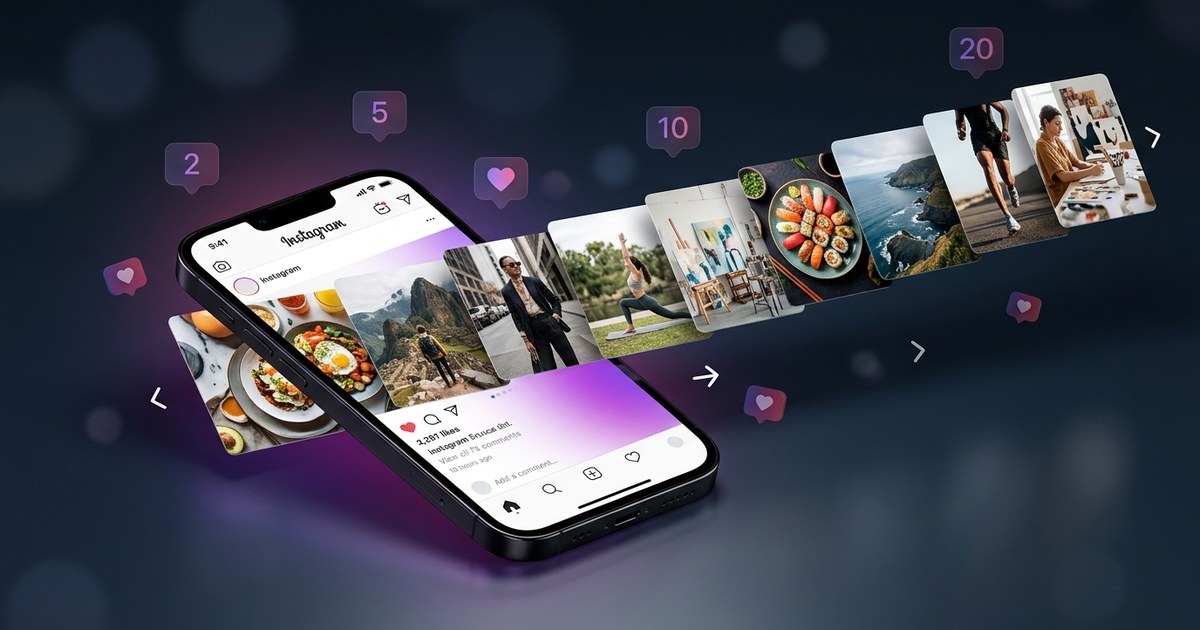
In the ever-evolving world of social media, staying updated with platform-specific changes is crucial for maximizing engagement and reach. As we look toward 2026, one of the most significant updates on Instagram is the change in the carousel limits. The Instagram carousel limit in 2026 is set at 20 slides per post, an increase from the previous cap of 10, which was updated in late 2024. This adjustment has opened up new possibilities for social media managers, creators, and marketers, allowing for more creative freedom and storytelling capabilities. In this comprehensive guide, we'll delve into everything you need to know about these changes, including the full specs for carousels, historical timeline, optimal slide count, different carousel types, creation tips using AI, common mistakes, pro tips, and frequently asked questions.
Full Specs Table for Instagram Carousel 2026
Understanding the specifications for Instagram carousels is essential for creating visually appealing and technically compliant posts. Below is a detailed table outlining the current specifications for Instagram carousels in 2026:
| Feature | Specification |
|---|---|
| Max Slides | 20 slides per post |
| Image Size | 1080 x 1080 px (Square), 1080 x 1350 px (Portrait), 1080 x 566 px (Landscape) |
| Video Specs | Up to 60 seconds per slide, 4K resolution supported |
| File Size | Images: Up to 30MB, Videos: Up to 100MB |
| Aspect Ratios | 1:1 (Square), 4:5 (Portrait), 16:9 (Landscape) |
Timeline of Instagram Carousel Limits: 2020 to 2026
The evolution of Instagram carousel limits reflects the platform’s response to user demand for more dynamic and engaging content formats. Here’s how carousel limits have changed over the years:
- 2020: Instagram introduced carousels with a limit of 10 slides, revolutionizing content sharing by allowing multiple images or videos in a single post.
- 2022: No significant changes were made to carousel limits, but enhancements in image and video quality were introduced.
- 2024: In late 2024, Instagram increased the carousel slide limit to 15, responding to the growing need for more comprehensive storytelling capabilities.
- 2025: Minor adjustments were made to video specs, allowing higher resolution uploads without altering the slide limit.
- 2026: The slide limit was further increased to 20, providing even more room for creativity and in-depth narratives.
Optimal Slide Count for Engagement
Determining the optimal number of slides in a carousel post is critical for maximizing engagement. Various studies have highlighted the sweet spot for slide counts:
- According to Social Insider, carousels with 8-10 slides receive 2.4x more saves compared to those with 3-5 slides. This suggests that audiences prefer more detailed content, which keeps them engaged longer.
- Research from HubSpot indicates that while carousels with up to 20 slides are possible, engagement tends to peak between 7-10 slides.
- Slide count also influences reach. Instagram’s algorithm tends to favor longer carousels as they offer more opportunities for user interaction, such as swipes and engagement per slide.
Ultimately, while the option to use up to 20 slides exists, carefully considering your audience’s preferences and the nature of your content is essential for maximizing engagement.
Types of Instagram Carousels
The versatility of carousels makes them suitable for various content types, each serving different marketing objectives. Here are some popular types of Instagram carousels:
- Educational Listicles: These carousels break down complex topics into digestible points. For example, "10 Tips for Better Instagram Engagement" or "5 Steps to Optimize Your Profile."
- Storytelling: Carousels are perfect for unfolding a narrative over multiple slides, whether it's a brand story, customer journey, or a personal tale.
- Before/After: Ideal for showcasing transformations, such as home makeovers, fitness journeys, or product use cases, these carousels effectively illustrate change.
- Product Showcase: Highlight different features of a product or a range of products within a single post to give a comprehensive view to potential customers.
- Testimonials: Share customer feedback or success stories over multiple slides to build trust and credibility with your audience.
How to Create Carousels with AI
Leveraging AI tools can significantly streamline the carousel creation process, enhancing creativity and efficiency. Follow these steps to create engaging carousels using PurpleTrend AI Carousel Studio:
- Access the Tool: Log in to PurpleTrend AI and access the Carousel Studio from the dashboard.
- Select a Template: Choose from a range of professionally designed templates that align with your content goals.
- Upload Content: Import images or videos directly into the platform, ensuring they meet the carousel reach strategy specs.
- Customize Slides: Use the editing tools to adjust text, add graphics, and apply filters to enhance visual appeal.
- Preview and Optimize: Check the preview to ensure slides transition smoothly and optimize for mobile viewing.
- Export and Share: Once satisfied, export the carousel and upload it to Instagram, utilizing AI-driven insights for captions and hashtags. Refer to the AI Caption Generator for assistance.
Common Mistakes and Fixes
Even with the best tools, certain pitfalls can diminish the effectiveness of your carousel posts. Here are common mistakes to avoid:
- Wrong Aspect Ratio: Ensure all images and videos conform to Instagram’s recommended aspect ratios. This avoids cropping and maintains visual integrity.
- Too Much Text per Slide: Keep text concise and readable. Use bullet points or short sentences to convey messages clearly.
- No CTA (Call to Action): Every carousel should include a compelling CTA to guide user interaction, whether it’s to visit a website or engage with the post.
- Ignoring Accessibility: Use alt text for images and closed captions for videos to make content accessible to all users, including those with disabilities.
- Poor Image Quality: Upload high-resolution images to avoid pixelation and maintain a professional appearance.
- Inconsistent Design: Maintain a consistent aesthetic across all slides to ensure brand coherence and a polished look.
Pro Tips for Advanced Carousel Creation
For those looking to elevate their carousel game, here are some advanced tips:
- First Slide Hook Formula: Craft an attention-grabbing first slide that clearly depicts the post’s value proposition to entice users to swipe through.
- Swipe Triggers: Use visual cues or text prompts to encourage users to swipe, such as arrows or leading questions.
- Carousel SEO with Alt Text: Optimize images with descriptive alt text to enhance discoverability and support accessibility efforts.
- Engagement Prompts: Ask questions or include polls within the slides to encourage interaction and feedback.
- Content Variety: Mix different types of content, such as images, videos, and text graphics, to maintain interest and cater to varied audience preferences.
Watch: Connect your Instagram to start creating AI carousels
FAQ
Here are some frequently asked questions about Instagram carousels in 2026:
- What are the benefits of using more slides in a carousel? Increasing the number of slides in a carousel allows for more detailed storytelling and can enhance engagement. With 20 slides, you can provide comprehensive content, such as step-by-step guides or detailed product showcases. More slides also increase interaction potential, as users spend more time engaging with the post.
- How does the Instagram algorithm favor carousels? Instagram’s algorithm tends to prioritize content that generates higher engagement. Carousels inherently encourage user actions like swiping, which can lead to improved post performance. Additionally, multi-slide posts can appear in feeds multiple times, increasing visibility.
- Can I mix different media types in a single carousel? Yes, Instagram carousels support a combination of images and videos within a single post. This flexibility allows for dynamic content presentation, such as pairing a product image with a demonstration video.
- How can I ensure my carousels are accessible? To make your carousels accessible, include alt text for images, which describes the visual content for screen readers. Additionally, add captions to videos for the hearing impaired and ensure text contrasts are adequate for readability.
- What’s the best way to measure the success of my carousel posts? Success can be measured through various metrics such as engagement rate (likes, comments, shares, saves), reach, and impressions. Use Instagram Insights to track these metrics and adjust your strategies accordingly for optimal performance.
In conclusion, understanding the Instagram carousel limit in 2026 and leveraging advanced techniques can significantly enhance your social media strategy. By keeping abreast of platform changes and utilizing tools like PurpleTrend AI, you can create compelling, high-engagement carousels that resonate with your audience. For further insights on maximizing reach and engagement, explore our Instagram Carousel Reach Strategy and Hashtag Strategy Guide.
Ready to create viral content?
Join thousands of creators using PurpleTrend AI to grow their social media presence.
Start Free TrialTopics
Written by Pratik Shah
Helping Indian creators and businesses grow their social media presence with AI-powered tools. Follow us for more tips on content creation, Instagram growth, and social media marketing.
View all articles